How to automate Document Scanning and Capture
How to automate Document Scanning and Capture
| Unattended processing is what ImageRamp is all about. Folders configured to be watched by the platform are frequently checked for the existance of new documents which are processed to help get the most out of their value. You can automate many functions often found to be labor intensive, with background services polling a series of watched folders. |  |
Document Automation Functionality
ImageRamp Provides a powerful functionality through a simple everyday interface for all types of users. Multiple disciplines can take advantage of ImageRamp as it runs as an enterprise tool to process documents for various disciplines within your organization.
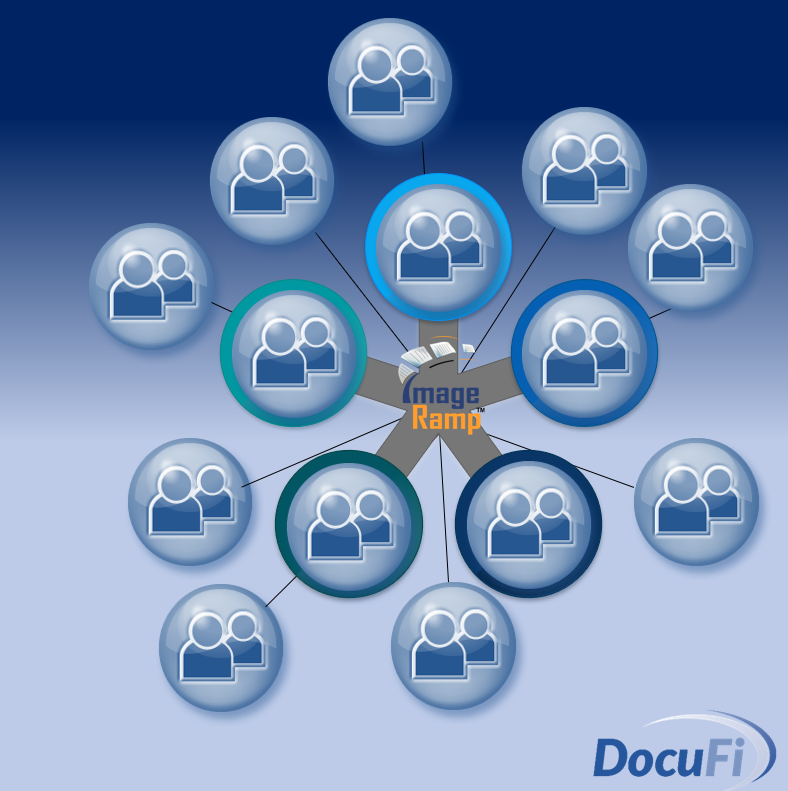
| Your Benefits with ImageRamp | |
|
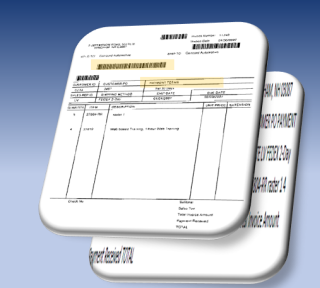
Content Extraction and Mining Use existing content and advanced Barcode or Zone OCR extraction to gather information need for downstream processes. Our confidence based platform even rejects to quality control processes if OCR or barcode confidence is not sufficient. |
 |
|
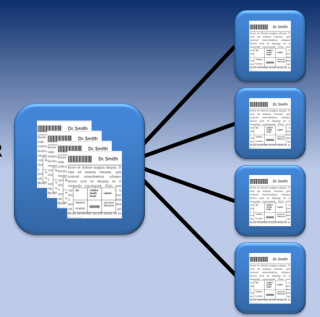
Automated File Splitting A large single file can be split and renamed with information from barcodes and content. Barcode recognition and OCR text mining are powerful, proven technologies used in file splitting and many more capture functions. Barcode separation sheets can also be used to split files. |
 |
|
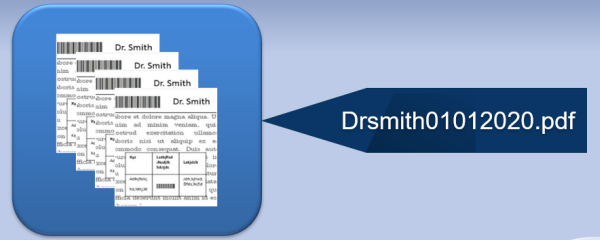
Automated File Naming Automatically Name documents to extracted content including barcodes, OCR mined text, or system data. |
 |
|
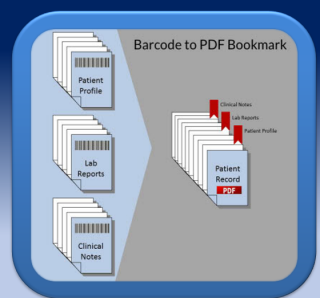
Automated Bookmarking Create PDF bookmarks based on extracted information or create document stamps using any text or string. For medical and legal fields Bates Numbering provides page stamping and/or time and date stamping. |
 |
|
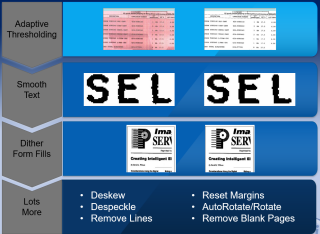
File Clean-up and Enhancement Cleaning documents increases OCR accuracy. We go beyond the basics and use advanced enhancement technology and methods developed from our raster editing software. |
 |
|
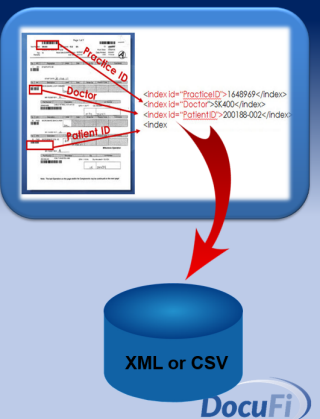
Automated Database Indexing Use barcode content, OCR mined text, dates and more for indexing. Captured index data can be output as XML or CSV files for easy integration into content management, EMR, EDR or search and retrieval systems. Or directly save to Microsoft SQL Server or other database platforms. |
 |