 We have over 40 years' experience helping clients address business document and drawing life-cycle issues. DocuFi offers customized services tailored to meet your specific business and document requirements. From product and market analysis to custom product development and integration services, we have a long-standing record of resolving clients' needs with document and data analytics solutions.
Some of Our Successes Include:
Custom Dashboard Development - We joined forces with our client, a major international hospital services supplier to develop a custom dashboard of critical information aimed at reducing healthcare-associated infections (HAI). Key performance indicators and client data were merged to provide immediate visual analysis with drill-down tools for specific details and analysis.
Social Influencer Visualization - We've delivered a custom social media visualization and brand engaging platform to help a leading influencer marketing provider increase it's talent portfolio and monitor influencer score and reach.
Mobile and Cloud Document Services - We've integrated Twain Direct and other scanner API's with iOS and Android devices offering the first such platform of its kind, interacting with back end document services.
Document Lifecycle Analysis - Our team often engages with clients across manufacturing, front office, health care, financial services, utilities and many other industries, to improve and automate aspects of their document lifecycle workflows.
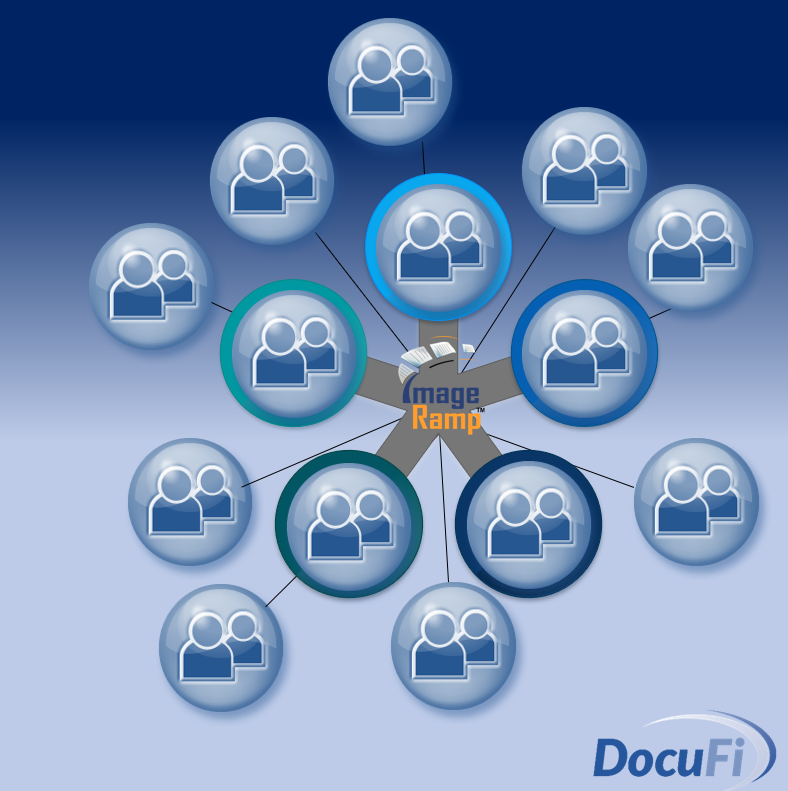
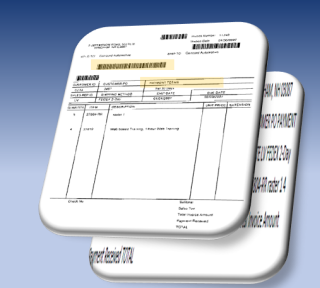
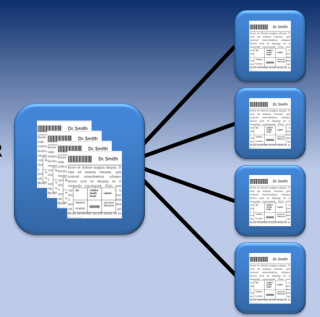
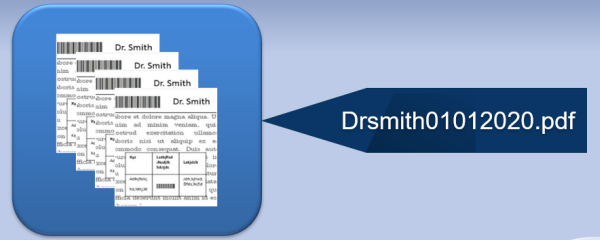
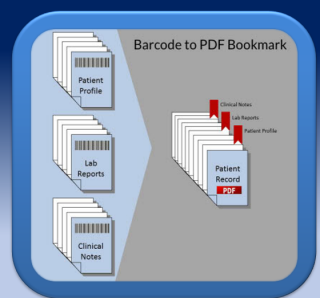
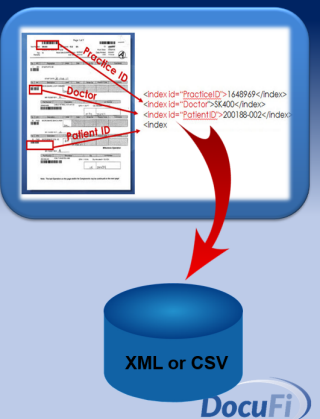
Front-office Automation - Many of our clients have enjoyed accelerated and automated workflows through the incorporation of our file naming and splitting tools that can recognize barcode data. Our customizations have allowed us to automate the folder creation and routing of documents, file naming, and automated indexing to various back-end systems.
Litigation Support - Our staff has engaged in litigation support, acting as the key expert witness in patent infringement cases. Our long-standing history and knowledge within the technical imaging markets helped us invalidate a technical imaging patent for our client. Only 3-5% of patent infringement cases are invalidated.
Commercial and Proprietary Software Development - Our teams have delivered IP, competitive analysis, commercial products and much more to the document and drawing imaging markets. See our list of product deliveries.
Multi-Function (MFP) Systems Integration - DocuFi staff has many years' experience providing automation solutions in the Multi-Function integration market. Our services have included many custom integrations of eCopy enabled devices integrated with clients using Canon, Ricoh, Xerox, Konica Minolta, Sharp and other environments.
Industry White Papers (IBM, Contex, Calcomp, GTX, OCE, Kyocera Mita) - Vendors often will engage with industry experts in niche industries to assist in the market launch of a product. When entering the image enabling markets with its flagship CADAM 2-D/3-D design analysis tool, IBM contracted with our team for a white paper identifying the process to bridge the gap of paper-based archives and 2-D Drafting and analysis tools. In another project IBM engaged our team for creating a Java/XML-based web solution for manufacturing parts management integrated with the IBM Websphere services. See a more detailed list of papers and presentations.
Hybrid Document Conversion - Our professional services and third-party solutions have been utilized to help many clients migrate from legacy and sometimes proprietary hybrid file environments to more open platforms. Hybrid raster and vector CAD drawing files have been utilized to shorten the design and drafting work cycle. Some of our clients included Detroit Edison, Verizon/Nynex, Southern New England Telephone, Cummings Engine, General Dynamics, GE and others.
Alliance Partnering - Business development through alliance partnerships has historically driven many projects with DocuFi staff. From technology assessment to OEM and product development, our partnerships have evolved with a proven record of delivery and professional service. Some of our partners include: Informative Graphics, eCopy, Autodesk, Kodak, Kyocera Mita, Spicer/Open text, GTX Corp., and many more.
Scanning Services Providers - Several scanning service providers already use various DocuFi online and batch service tools along with our professional services to provide their own branded solution offerings.